Quick Verification
📌 1. Deploy the Server
Refer to Docker Deployment or Source Code Deployment.
📌 2. Open Ports
Refer to Ports and Firewall.
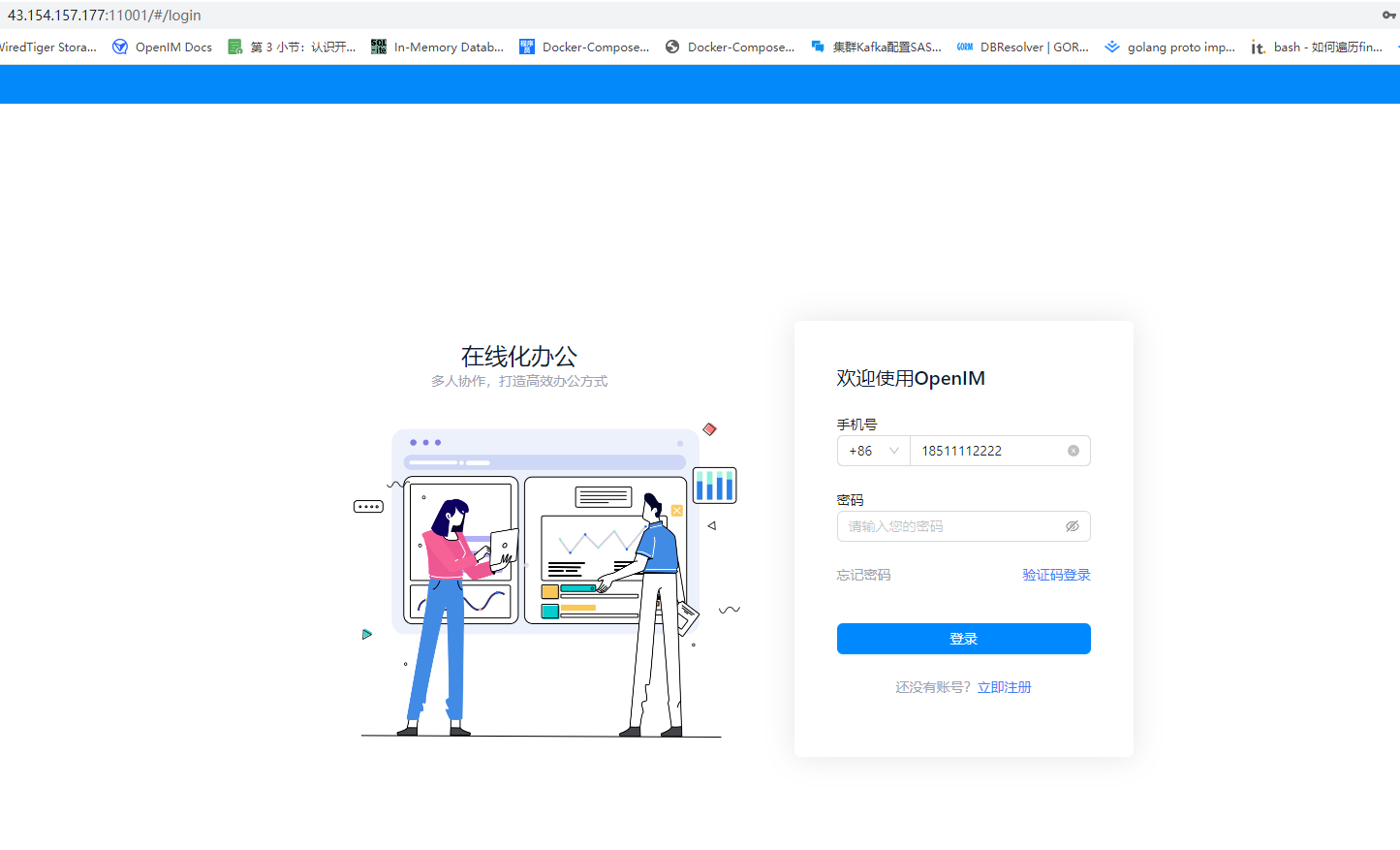
📌 3. PC Web Verification
Enter http://your_server_ip:11001 in your browser to access PC Web. your_server_ip is the server IP where the frontend is deployed.
📌 4. Service Process Verification
Confirm that OpenIMServer and ChatServer are running normally.
docker ps | grep -E 'openim-server|openim-chat'
In the
docker deploymentscenario,openim-serverandopenim-chatmay initially showhealth: starting. Wait20-30suntil they becomehealthybefore continuing with API verification.
If you use source deployment, run:
# Run in the open-im-server directory
mage check

# Run in the chat directory
mage check
📌 5. Domain and Gateway Verification
When using a domain name and SSL, call the real interfaces directly to verify the OpenIMServer and ChatServer (APP Business Server) gateway routes.
curl -sS -X POST "https://your_domain/api/auth/get_admin_token" \
  -H "Content-Type: application/json" \
  -H "operationID: verify-openim" \
  -d '{"secret":"your_openim_secret","userID":"imAdmin"}'
curl -sS -X POST "https://your_domain/chat/application/latest_version" \
  -H "Content-Type: application/json" \
  -H "operationID: verify-chat" \
  -d '{}'
If the interface returns JSON with a business error, it usually still means the reverse-proxy path is already connected.
If you have deployed only the backend services and not the frontend pages, the
11001PC Web step does not apply. It is mainly for thedocker deploymentscenario where the frontend image is started by default, or for cases where you deployed the web frontend yourself.
To verify the WebSocket gateway, use any WebSocket client to test:
wss://your_domain/msg_gateway
In production, it is recommended to access everything through port
443. OpenIMClientSDK should use:
apiAddr:https://your_domain/apiwsAddr:wss://your_domain/msg_gateway
📌 6. API Verification Without a Domain
If you have not configured a domain name or SSL yet, verify directly through the server IP and default ports:
curl -sS -X POST "http://your_server_ip:10002/auth/get_admin_token" \
  -H "Content-Type: application/json" \
  -H "operationID: verify-openim-local" \
  -d '{"secret":"your_openim_secret","userID":"imAdmin"}'
curl -sS -X POST "http://your_server_ip:10008/application/latest_version" \
  -H "Content-Type: application/json" \
  -H "operationID: verify-chat-local" \
  -d '{}'
ChatServer (APP Business Server) POST APIs also require the
operationIDrequest header. Without it, the server returns a parameter error.